

Car Rental Is Now Available in the Getmancar App
Article content
Getmancar just rolled out a new feature – car rental with advance booking. Until now, the app only offered car sharing for "here and now" trips. But now you can plan your trip ahead of time and pick a car for the exact dates you need, right in the app.
The real value here is convenience and control: book your car in advance without ever leaving the app. That's a game-changer for day trips, weekend getaways, or longer vacations. Rentals start at just 1 day, making this a solid alternative to traditional car rental services.
Getmancar now brings car sharing and car rental together in one app – covering every type of trip you might need.
Car Rental vs. Car Sharing: What's the Difference
Car sharing and car rental in the Getmancar app serve different purposes, so it's worth knowing the difference before you book.
Feature | Car Sharing | Car Rental |
|---|---|---|
| Duration | Minutes/hours | From 1 day |
| Timing | Immediate | Booked in advance |
| Best for | Quick trips | Trips, weekends away |
| Booking required | No | Yes |
Car sharing works great for quick trips around town – like heading to a meeting or running to the store. Car rental, on the other hand, is built for planned trips: pick your dates, choose your car, and book ahead.
Keep in mind: you can't grab a car for just 2-3 hours through the "plan a trip" feature – for that, stick with car sharing.
How to Book a Car in the Getmancar App
Booking takes just a few minutes and is pretty straightforward. You've got two options.
Through the Map
The map shows special pins marked with a rental icon (see screenshot). From there:
- tap on a nearby pin;
- browse the list of available cars;
- select your rental dates;
- confirm your booking.
Through the Menu
Head to the "Plan a Trip" section (see screenshot). From there:
- pick your city and car;
- set your rental dates;
- confirm your booking.
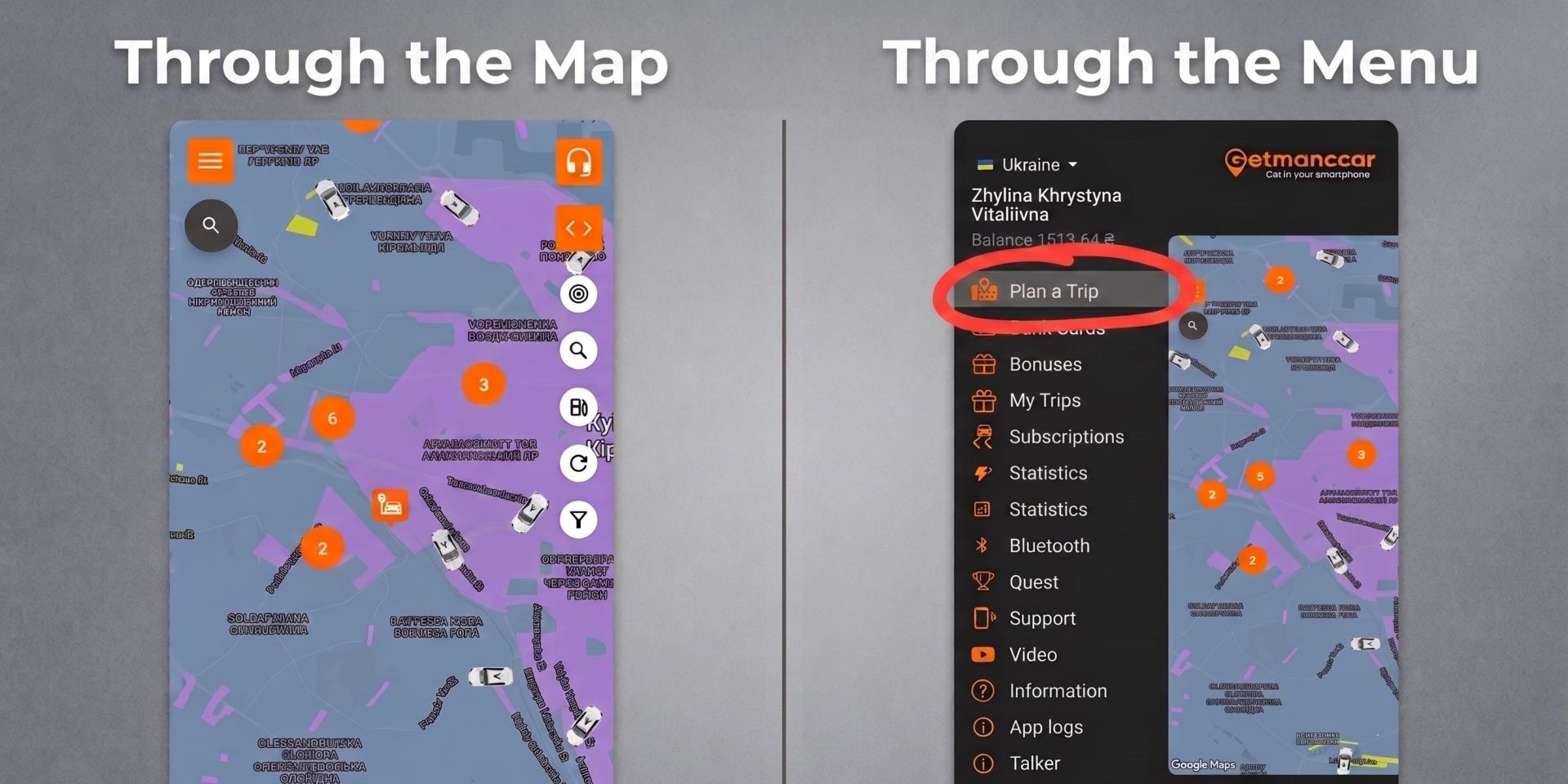
The interface is built with mobile users in mind – every step flows naturally, with no unnecessary clicks.


What You Should Know Before Booking
A few key things to keep in mind before you use this feature:
- the minimum rental period is 1 day;
- this is an advance-booking format, not an instant rental;
- for shorter trips, car sharing is still your go-to option.
Why Renting Through the App Just Makes Sense
Renting a car through Getmancar is a modern take on getting around – everything you need is in one place, with no need to jump to a separate website.
Here's what makes it worth using:
- one ecosystem for both car sharing and car rental;
- fast, hassle-free online booking;
- the ability to plan trips ahead of time;
- perfect for travel and business trips alike;
- a smooth, mobile-friendly interface.
This approach saves time and makes the whole rental process easier, especially if you're used to handling everything from your phone.
Where the Feature Is Available Right Now
Car rental through the app is already live in several countries and cities:
- Ukraine: Kyiv, Dnipro, Lviv
- Georgia: Tbilisi, Kutaisi, Batumi
- Moldova: Chisinau
To get started, download or update the Getmancar app and pick the trip format that works best for you.


Similar articles
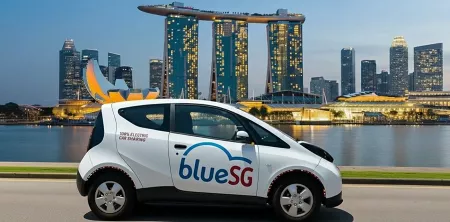
Bluesg – Electric Car Sharing in Singapore
Learn how Bluesg electric car sharing works in Singapore — pricing, rental rules, how to book and return a car, and what makes the service unique
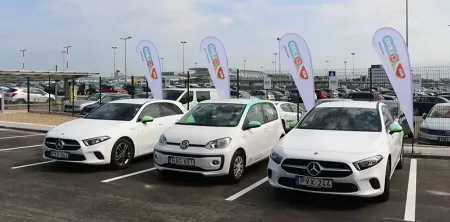
Car Sharing in Hungary: MOL Limo
A detailed look at car sharing in Hungary using MOL Limo as an example: how the service works in Budapest, real pricing, vehicle fleet, coverage area, trip examples, and comparisons with other car sharing services
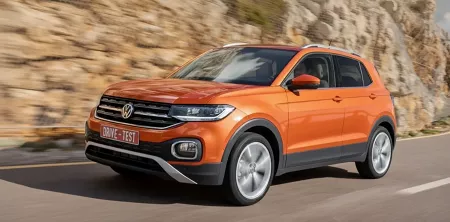
Top-Rated Crossovers for Any Road
Discover the top crossovers: best crossover cars, top-rated crossovers and compact crossover SUV options. What is the best crossover for your needs in 2025